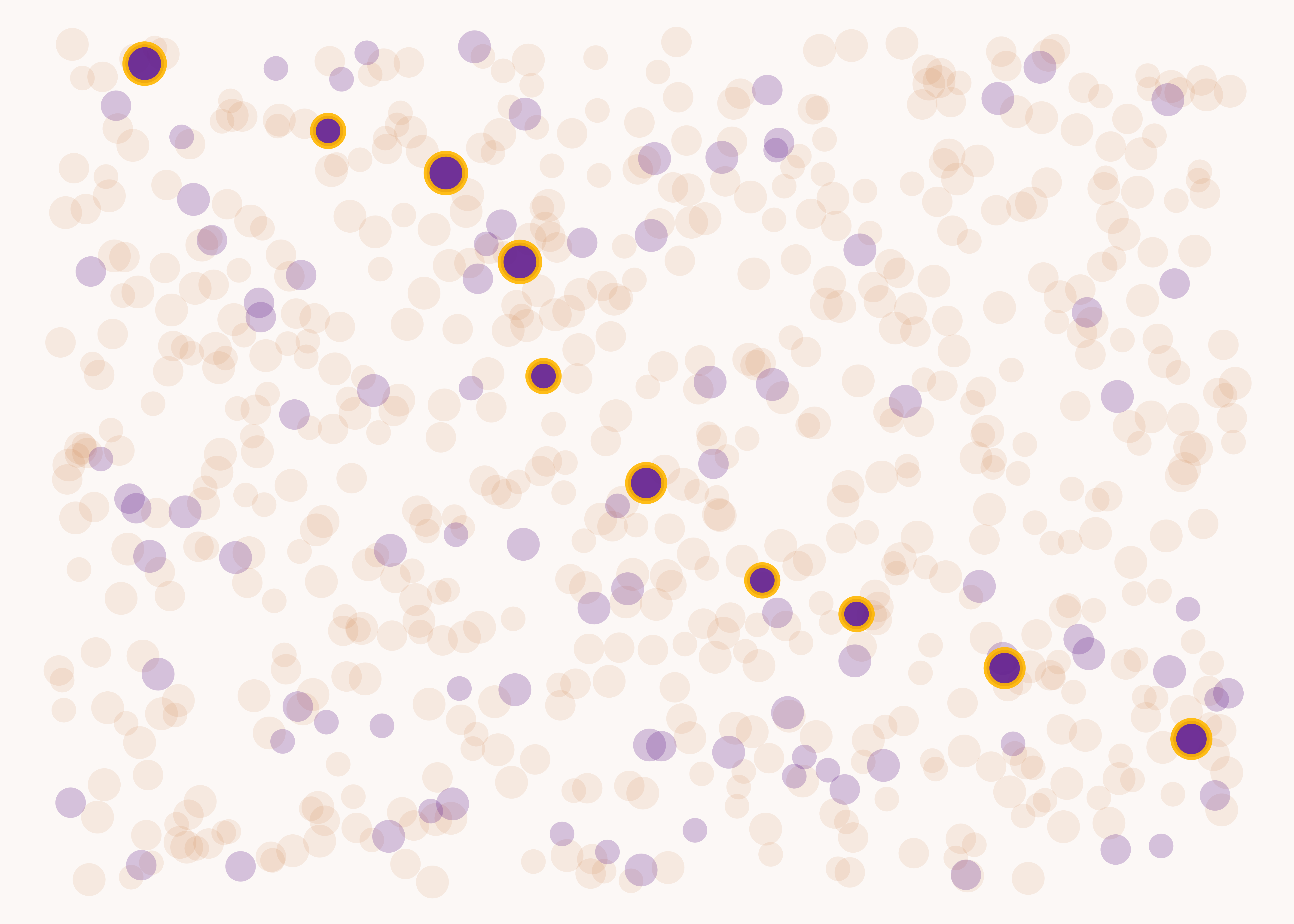
library (ggplot2)# This keeps the coordinates of the points consistent across iterations... set.seed (202502 )<- dplyr:: tibble (x_coord = sample (seq (1 , 5 , length.out = 700 ), 700 ),y_coord = sample (seq (1 , 4 , length.out = 700 ), 700 ),identify_d = c (rep ("no" , 600 ), rep ("yes" , 100 )))# ... which allows us to consistently pick out the x_coordinates of 10% # of the purple dots which fall along a pleasing path across the visualisation <- c (1.915594 , 2.316166 , 2.567954 , 2.648069 ,2.997139 , 3.391989 , 3.712446 , 4.216023 ,4.851216 , 1.291845 )# Creating a background colour from Esi's brand colours <- monochromeR:: generate_palette ("#F4DFD2" , "go_lighter" , n_colours = 3 )[3 ]ggplot (cd_data) + geom_point (aes (x = x_coord,y = y_coord,fill = identify_d,alpha = dplyr:: case_when (round (x_coord, 6 ) %in% one_in_10 ~ 0.9 ,== "yes" ~ 0.25 ,TRUE ~ 0.1 ),size = sample (1 : 3 , 700 , replace = TRUE ),colour = dplyr:: case_when (round (x_coord, 6 ) %in% one_in_10 ~ "#FFB700" ,TRUE ~ "white" ),stroke = dplyr:: case_when (round (x_coord, 6 ) %in% one_in_10 ~ 1.6 ,TRUE ~ 0 )),shape = 21 ,show.legend = FALSE ) + scale_size (range = c (4.5 , 6 )) + scale_colour_identity () + scale_alpha_identity () + scale_fill_manual (values = c ("no" = "#c86020" , "yes" = "#601c8d" )) + theme_void () + theme (plot.background = element_rect (fill = background, colour = background))